
Curious why SmartScreen shows on standalone indie Windows apps or how the local engine locks down access? Here is the full security breakdown.
Why Windows SmartScreen displays on new indie executables
Microsoft Defender SmartScreen flags newly released standalone Windows executables whenever they aren't signed by an expensive enterprise EV certificate yet—until install reputation builds over time. Choosing More info → Run anyway launches 1_START_APP.exe normally.
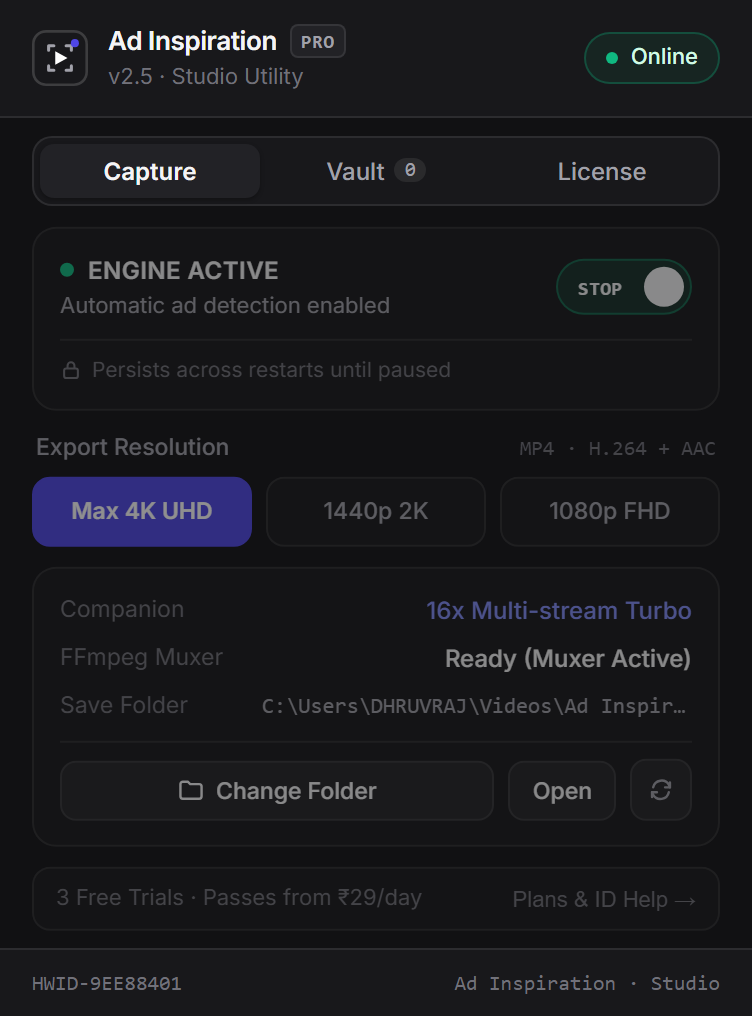
How the local companion hardens your workstation
- Strict Loopback Binding: Listens solely on
127.0.0.1:49152—never reachable from public Wi-Fi or external devices. - Origin & Header Validation: Rejects requests from ordinary web tabs (
youtube.com, external domains, ornullorigins) with403 Forbidden; only verifiedchrome-extension://calls carrying the internal client header succeed. - Path-Traversal Guardrails: Blocks attempts to open or write outside user-approved download directories.
Try 3 Live 4K YouTube Ad Captures Free
Download the Windows companion (bundled FFmpeg) + Chrome extension and test 3 full-quality captures before picking Daily (₹29), Monthly (₹199), or 5-PC Agency plans.