
Follow three exact steps to go from ZIP download to capturing your first live YouTube ad in 4K MP4 on Windows 10 or Windows 11.
Step 1: Download & extract the package cleanly
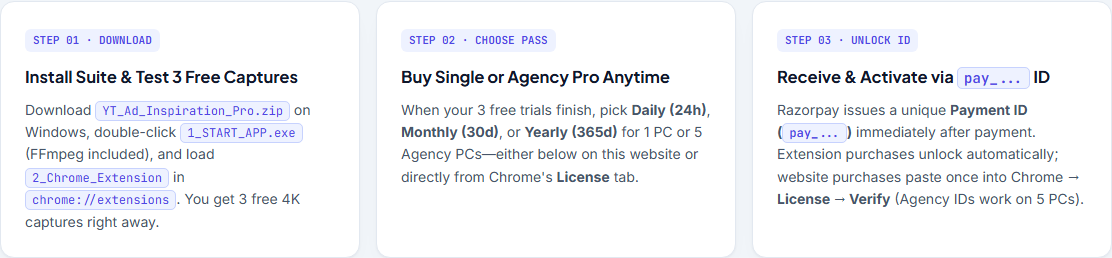
Download YT_Ad_Inspiration_Pro.zip from the homepage, right-click the ZIP file on Windows 10/11, and choose Extract All... into a permanent folder (for example C:\Tools\AdInspirationPro\) rather than running directly from inside Temp/ZIP previews.
Step 2: Launch the local Windows companion (1_START_APP.exe)
Double-click 1_START_APP.exe inside the extracted folder. FFmpeg comes bundled in the bin\ folder so nothing extra needs installing. If Windows SmartScreen prompts on a fresh build, click More info → Run anyway. The companion starts silently on http://127.0.0.1:49152.
Step 3: Load 2_Chrome_Extension in Chrome or Edge
- Open
chrome://extensionsin your browser address bar. - Switch on Developer mode in the top-right corner.
- Click Load unpacked and select the extracted
2_Chrome_Extensionfolder. - Pin Ad Inspiration Pro to your toolbar—confirm the green Online pill appears in the popup, then open YouTube to test your 3 free 4K captures!
Try 3 Live 4K YouTube Ad Captures Free
Download the Windows companion (bundled FFmpeg) + Chrome extension and test 3 full-quality captures before picking Daily (₹29), Monthly (₹199), or 5-PC Agency plans.