
Google's public Transparency Center is great for compliance lookups, yet video editors still need frame-accurate local MP4 files from live YouTube placements.
Great for advertiser verification—friction-heavy for editors
The Google Ads Transparency Center shows which ads a verified advertiser ran over recent weeks. However, creative teams quickly hit practical gaps when trying to use it as a daily production workflow:
- No direct 4K MP4 download button: Embedded players inside transparency lookups are built for browser viewing, not importing into Premiere Pro, CapCut, or After Effects.
- Missing live placement context: Watching ads live on actual niche YouTube videos shows you the exact targeting context (pre-roll vs mid-roll, skippable vs bumper) alongside the creative itself.
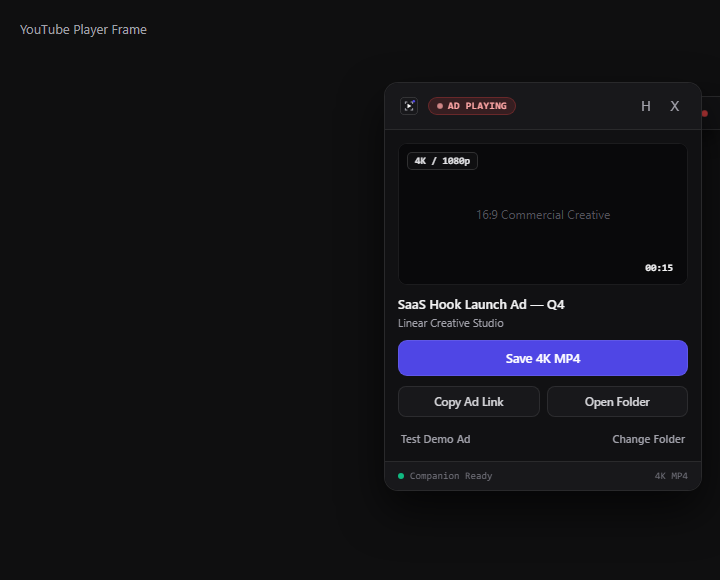
Complementary workflow for serious creative teams
Use Transparency Center to check brand domain coverage, and keep Ad Inspiration Pro running in Chrome whenever researching YouTube so every live commercial you spot lands as a clean, edit-ready MP4 in seconds.
Try 3 Live 4K YouTube Ad Captures Free
Download the Windows companion (bundled FFmpeg) + Chrome extension and test 3 full-quality captures before picking Daily (₹29), Monthly (₹199), or 5-PC Agency plans.