
Motion designers need uncompressed sharpness to study speed graphs, blur trails, and UI mockups. Here is how 4K local ad capture powers After Effects lookdev.
Why motion designers hate compressed web previews
If you design SaaS launch spots, fintech explainers, or sleek app promos in Adobe After Effects, low-bitrate cloud previews ruin the exact details you are studying: subtle drop shadows, 4-frame overshoot curves, motion blur shutter angles, and clean UI card reveals.
Curating a frame-accurate After Effects lookdev folder
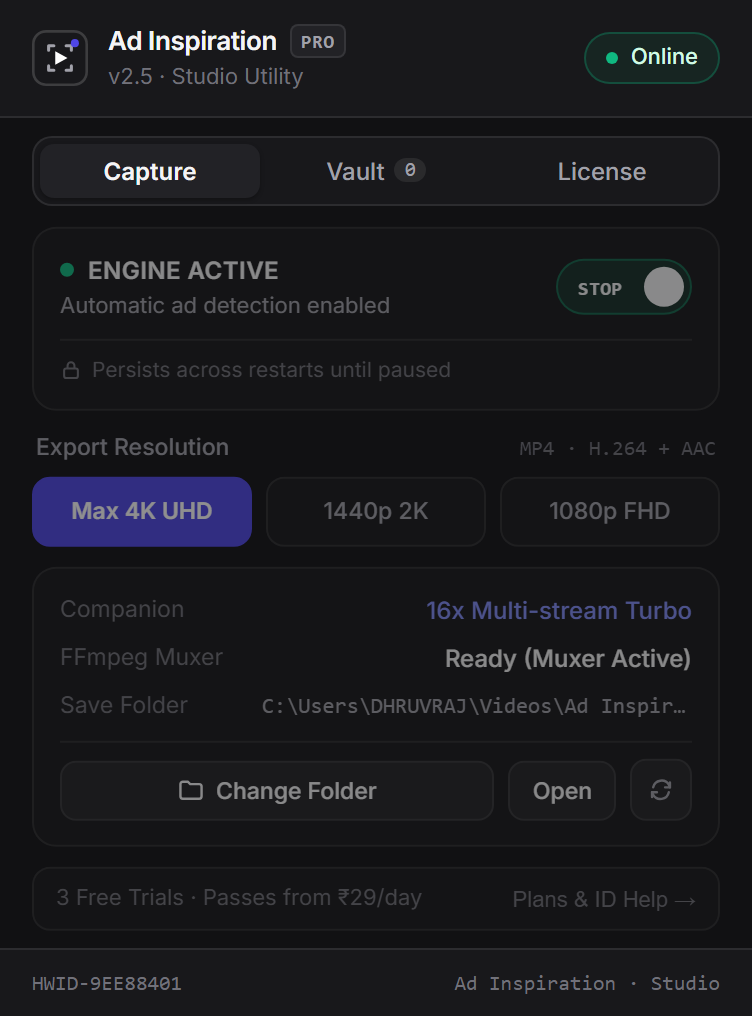
- Lock 4K / 1440p inside Capture Studio: When a high-production SaaS commercial appears on YouTube, save the native 4K MP4 locally so UI typography remains razor-sharp at 100% comp zoom.
- Step frame-by-frame with
Page Up/Page Down: Import the MP4 into an AE composition matching the clip frame rate (24, 30, or 60fps) to count exact keyframe durations (e.g., 8-frame scale pop + 14-frame settle). - Tag folders by technique: Organize local clips by
UI_Zooms,Kinetic_Type,3D_Device_Cards, andMatch_Cutsfor instant inspiration before client styleframes.
Try 3 Live 4K YouTube Ad Captures Free
Download the Windows companion (bundled FFmpeg) + Chrome extension and test 3 full-quality captures before picking Daily (₹29), Monthly (₹199), or 5-PC Agency plans.