
Use DaVinci Resolve Scopes and Scene Cut Detection on saved 4K YouTube ad MP4s to analyze skin tones, contrast ratios, and visual rhythm.
Turn live commercial ads into color and rhythm study labs
High-budget brand and D2C commercials running on YouTube represent millions in live media testing. Importing clean 4K MP4 captures into DaVinci Resolve gives colorists and editors instant diagnostic visibility through built-in tools:
- Scene Cut Detection: Right-click any imported ad MP4 in the Media Pool to auto-split every edit point and review shot duration consistency.
- Waveform & Vectorscope Inspection: Check where top beauty, apparel, and consumer-tech ads anchor skin-tone saturation and shadow roll-off for mobile + TV viewing.
- Grab Still References: Save graded stills straight into a Resolve PowerGrade gallery to benchmark lighting contrast on upcoming studio shoots.
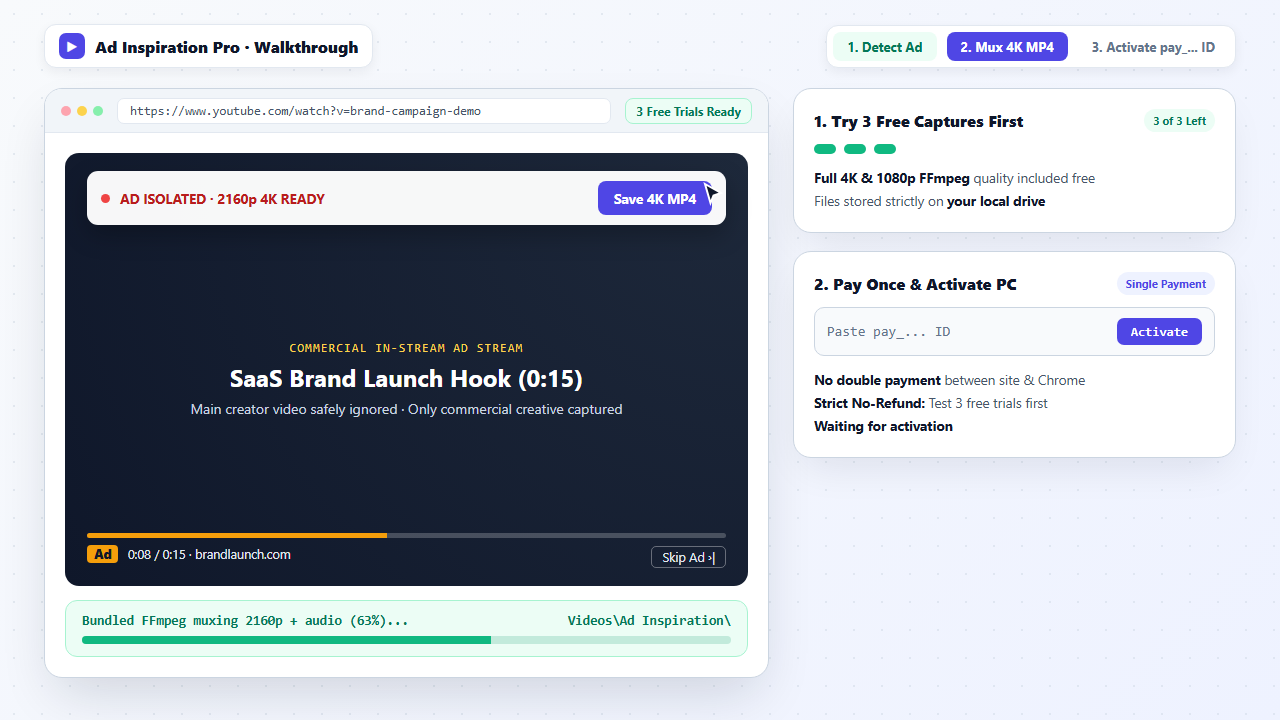
Try 3 Live 4K YouTube Ad Captures Free
Download the Windows companion (bundled FFmpeg) + Chrome extension and test 3 full-quality captures before picking Daily (₹29), Monthly (₹199), or 5-PC Agency plans.