
Why the first 5 seconds decide your YouTube ROAS—and how importing clean MP4 references into CapCut lets editors match proven hook mechanics quickly.
The 5-second YouTube survival window
On YouTube in-stream placements, viewers cannot skip until second five—making seconds 0:00 to 0:05 the single highest-leverage piece of real estate in your entire campaign. Studying blurred thumbnails never teaches why a hook holds attention; studying frame-accurate local clips in CapCut does.
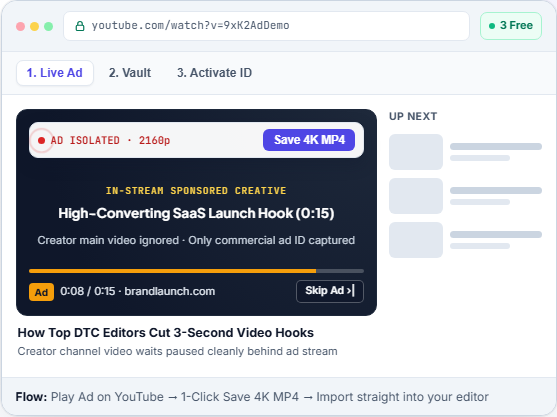
What to inspect inside CapCut Desktop
- Visual disruption at
0:00.5: Look at whether the ad opens with a pattern interrupt—unexpected macro movement, a bold question overlay, or a physical prop entering frame—within the first 15 frames. - Two-line kinetic caption styling: Step frame by frame to note font weight, stroke contrast, and highlight color switches that guide the eye without requiring sound.
- Pre-Skip cliffhanger at
0:04.5: Watch how top editors open a curiosity loop right at second four so viewers hesitate before clicking Skip Ad.
From reference to fresh variation in 15 minutes
Drop your captured reference clip onto Track 1 (muted or lowered) and build your client's raw footage on Track 2 above it. Matching the exact hook cadence—while shooting 100% original product visuals and copy—lets you ship proven pacing structures fast.
Try 3 Live 4K YouTube Ad Captures Free
Download the Windows companion (bundled FFmpeg) + Chrome extension and test 3 full-quality captures before picking Daily (₹29), Monthly (₹199), or 5-PC Agency plans.