
Balance crisp typography inspection against SSD capacity by choosing the right Capture Studio export setting for motion studies vs quick audits.
Why resolution matters differently for editors vs media buyers
Inside the Capture Studio tab of Ad Inspiration Pro, you can lock your preferred MP4 export quality to 1080p, 1440p, or 4K (2160p). Choosing the smartest preset depends on whether you are auditing ad copy and hooks or dissecting micro-motion graphics.
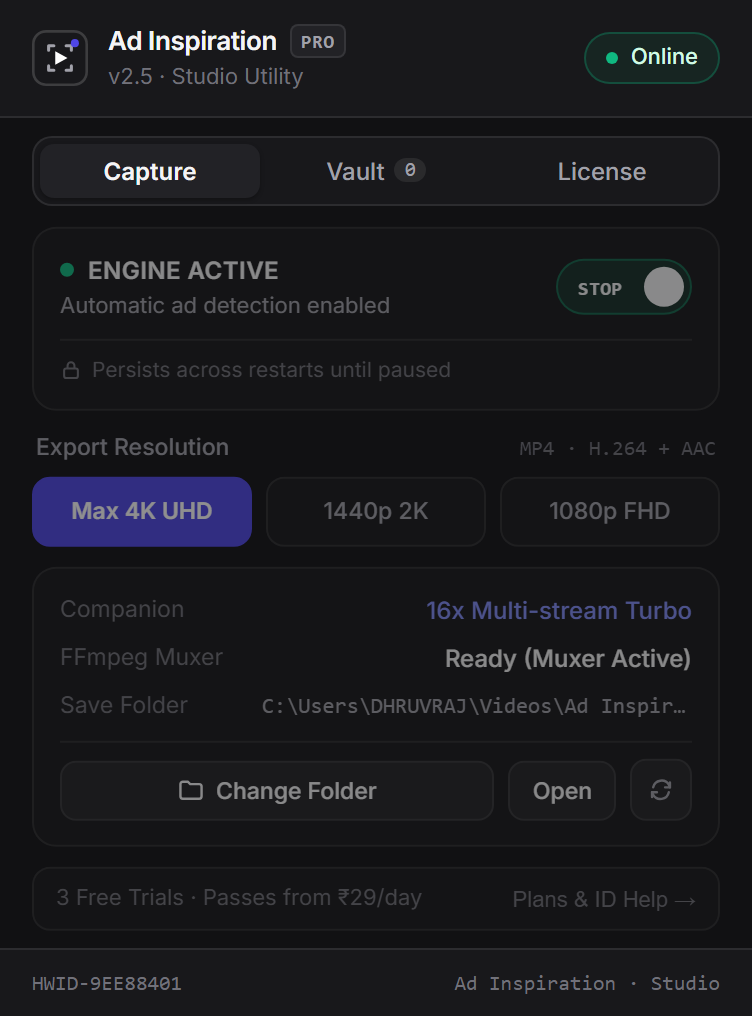
When to choose 1080p Full HD
- High-volume competitor audits: When saving 40–80 ads during a 24-hour sprint for creative angle categorization, 1080p downloads and muxes rapidly while keeping folder sizes compact.
- UGC & talking-head ads: Smartphone-shot UGC creatives rarely contain detail beyond 1080p, so archiving at Full HD preserves full crispness without wasted gigabytes.
- Slack & Notion team sharing: Smaller MP4 files upload instantly to creative review boards.
When 1440p or 4K 2160p is worth the extra disk space
- SaaS UI & product macro close-ups: Software walkthrough ads and fintech dashboard animations often encode sharp UI text at 1440p or 4K—lower streams blur small button labels.
- Motion design & 3D compositing study: Zooming 200% on a Premiere or After Effects timeline to study easing curves, grain overlays, and edge feathering benefits hugely from 4K source streams.
- Note on source ceiling: If an advertiser originally uploaded a commercial in 1080p, selecting 4K automatically falls back gracefully to the highest true source bitrate available.
Try 3 Live 4K YouTube Ad Captures Free
Download the Windows companion (bundled FFmpeg) + Chrome extension and test 3 full-quality captures before picking Daily (₹29), Monthly (₹199), or 5-PC Agency plans.